Why do you need a plugin?
The very first question is: why build a separate plugin for this? You can open Claude (or another popular AI) in a browser, for example, and ask it to run a lesson on a topic you're interested in, or just have a free conversation. But in my opinion, learning a language is a process that requires quite a lot of structure and order.
If you build a plugin for Claude Code (the CLI version of Claude), you get plenty of room to build the logic you need, store long-term memory, and, where necessary, use deterministic program code instead of relying on the LLM for everything.
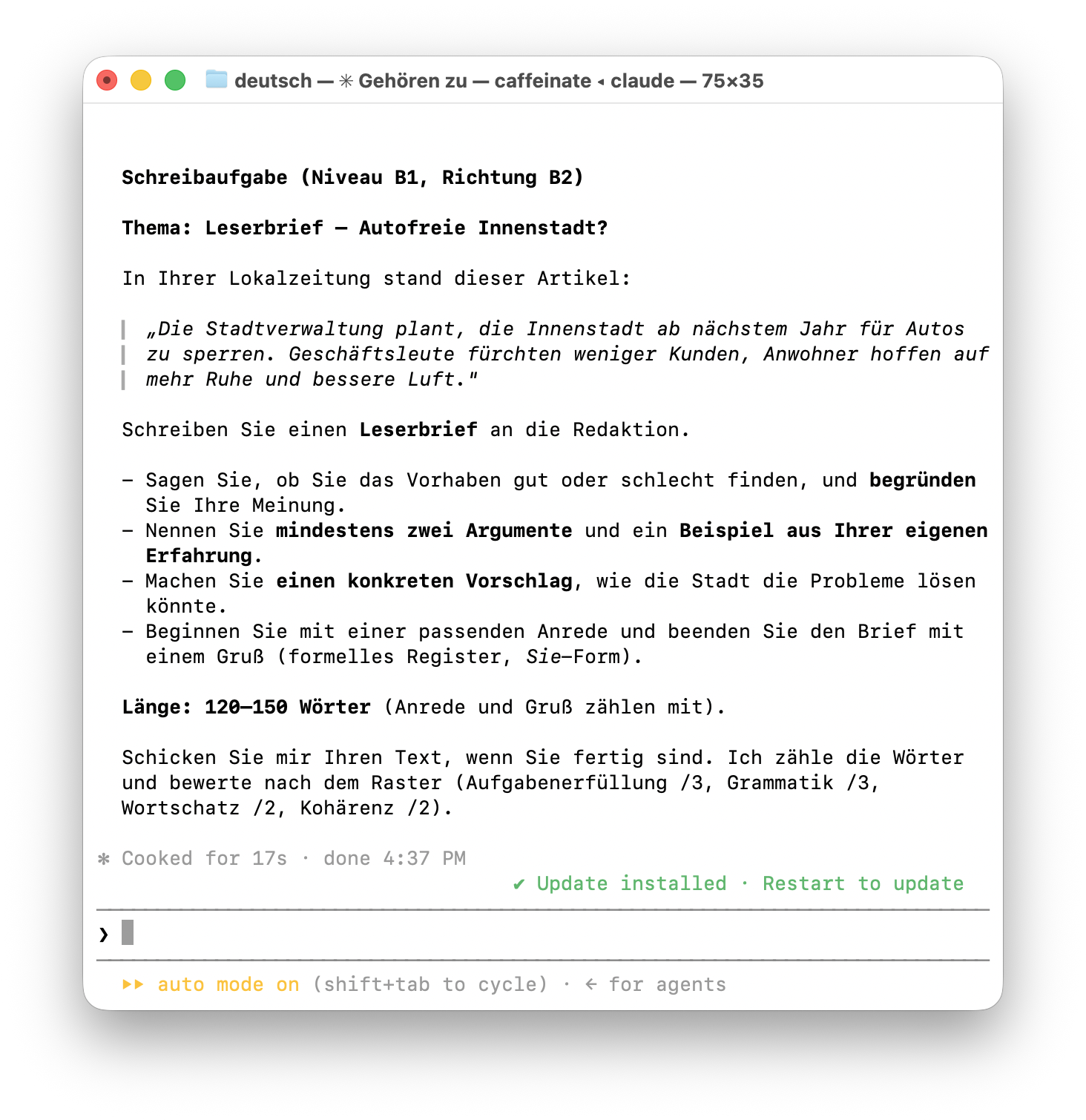
A predefined study structure
With the plugin I decided to practice four areas of language learning: grammar, reading, writing, and vocabulary. Speaking, for example, I practice through other tools and methods.
When I launch the plugin on a new day, I know I have to complete several vocabulary sessions — until the review of half-learned words is done and a few new words I don't know yet start getting added. The plugin keeps a history of how well I know each word. It uses the FSRS algorithm (Free Spaced Repetition Scheduler) for this. In short, it lets the plugin ask more often about the words I make mistakes on more frequently, and only occasionally check that already mastered words have stuck.
I also always do one writing task, because it's the ideal way to use AI to improve the skill of producing content in the target language myself. I modeled the format of this exercise on language exams: a situation is given, and you have to write a letter about it.
The other skills, such as reading and grammar, I practice much less often.
As a result, I have a set of exercises that I don't need to keep reminding Claude about. These instructions are written into the plugin's source and can only change through a plugin update. If needed, they can be slightly adjusted for the context of a specific session.
Thanks to this, I don't have to spend cognitive resources before a study session on what to study and how to study it.
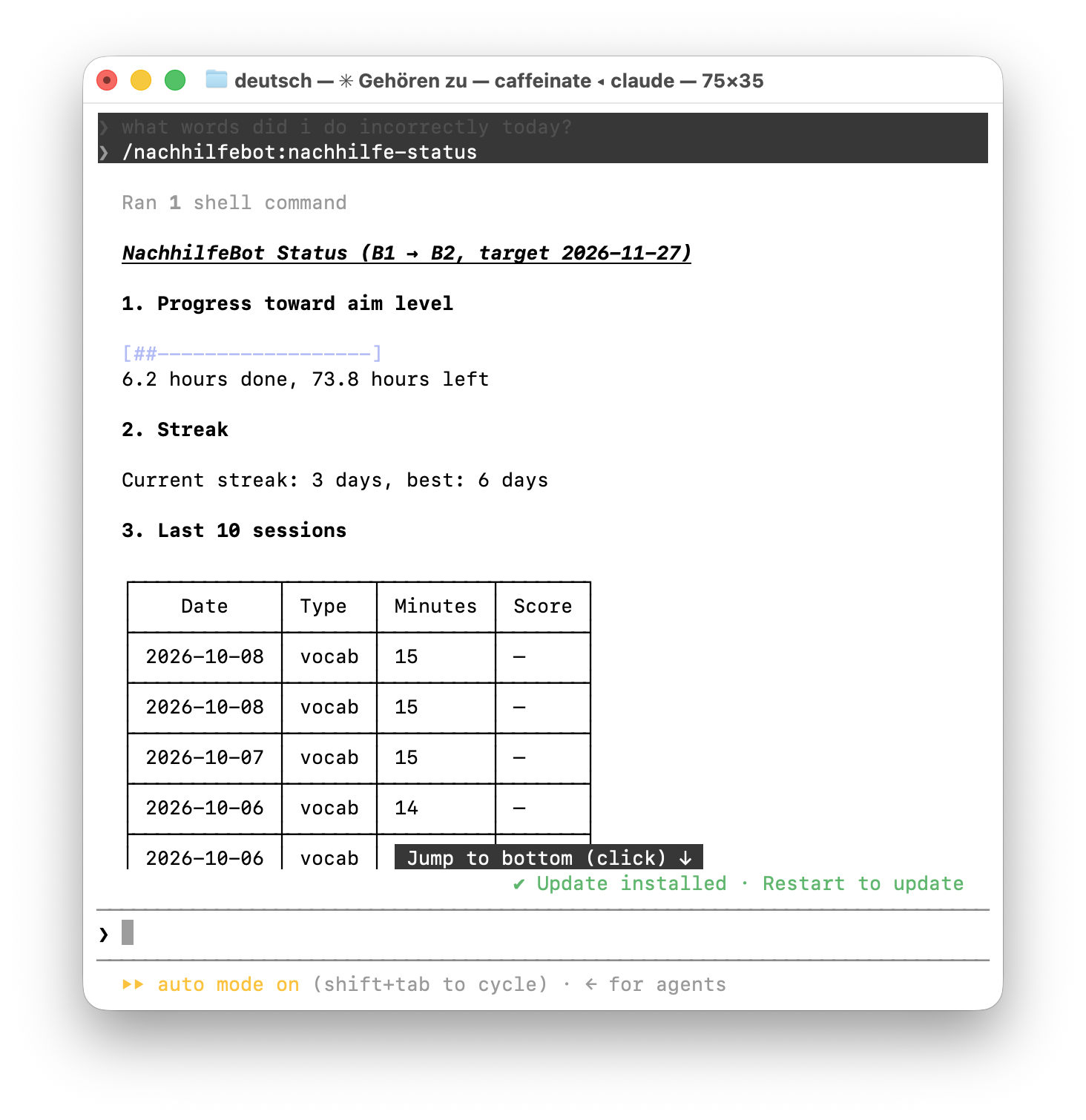
Memory
Even though the context of modern models is now measured in millions of tokens, that by no means implies the model remembers the whole context well. Part of the context is already taken up by the model's system prompts, part is spent on mutually exclusive inputs (for example, the LLM suggested one thing and I declined), and most of it goes to Claude's own messages. After a while you just want to open a new session and start from a clean slate with a minimum of hallucinations.
In such cases you want a "hard" memory in a defined structure: storing exactly the information you need, in the most compact form that's convenient for further processing. With a Claude Code plugin this is easy to implement by saving data, for example, in a JSON file.
Minimizing drift
As the amount of data and instructions grows, an LLM tends to "drift" — to depart from earlier instructions and run the lesson its own way. This was very annoying. The worst part was that everything could go well at first, but once, say, a week's worth of study data had accumulated, studying partly turned into a fight to make it follow the instructions.
This was the main reason I decided to write my own plugin. I solved the problem by moving as much logic as possible into Python code.
What's great about an LLM is that it can check texts and answers well and generate high-quality, unique content for exercises. What's great about Python is its determinism: the code does exactly what it was programmed to do, no more and no less. So it made sense to build a language-learning plugin in which all the "operational work" is done by Python as far as possible. That way the LLM's context isn't cluttered with auxiliary operations like writing, reading, and storing data, keeping statistics (number and length of sessions, number of correct answers, etc.), and many other small things.
The result lived up to my expectations: I've now been studying with this plugin for three weeks and haven't noticed any drift. Ideally, the plugin would be comfortable to use all the way from A1 to C2, but even working correctly for 150 hours of study would be quite enough. 150 hours is the average number of hours, according to Goethe, needed to move up to the next language level.
Logically, there shouldn't be any drift, because instructions don't pile up while the plugin runs — they're defined in its source. The data that does accumulate (vocabulary words, sessions, etc.) is fed to the LLM by Python in portions.
Publishing the plugin
Anthropic offers a convenient way to publish a plugin if you want it to be available through their marketplace. But that's not required at all to distribute a plugin. If you publish the plugin's source on GitHub, anyone with Claude Code can install it with commands like these:
claude plugin marketplace add doszhan/nachhilfebot
claude plugin install nachhilfebot@doszhan
The first command adds the GitHub repository as a marketplace. The second installs the plugin itself from that marketplace.
Still, I decided to publish out of curiosity, and to some extent to compare it with publishing mobile apps.
The process was fairly straightforward. You need to prepare and provide a privacy policy, documentation, and the license type. All of this can live in the repository itself. After a while I got the "published" badge:
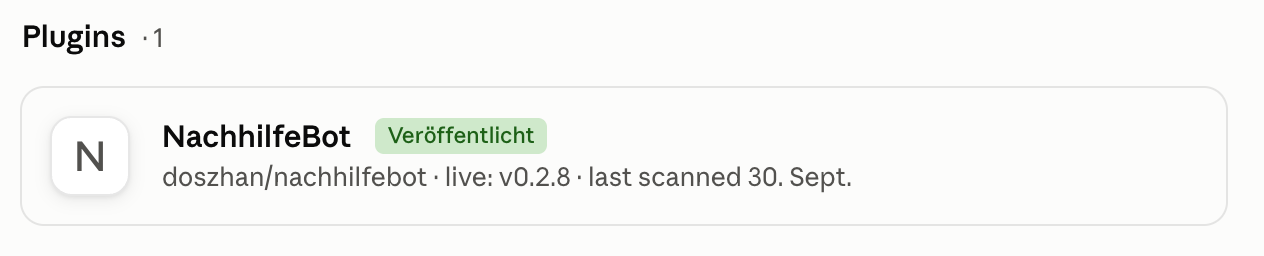
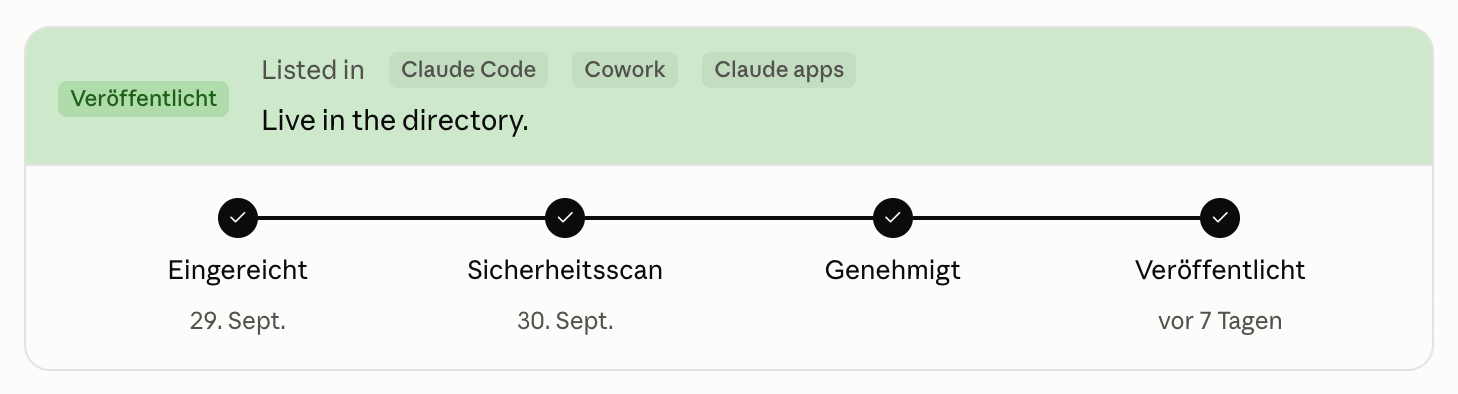
The whole publishing process took just two days, although I'd seen complaints that the review has been taking more than several weeks.
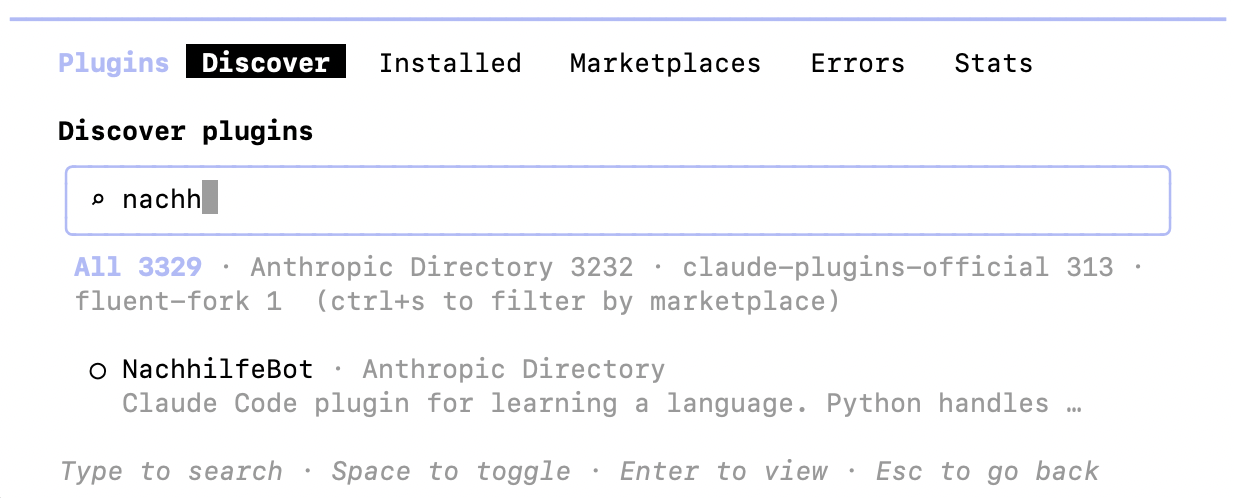
This is what searching for the plugin in Claude Code looks like:
Personal takeaways
This was an interesting experience of building and publishing a plugin for an LLM. It's a good example of how AI can help solve specific tasks in anyone's life. The experience inspired me to build another application (this time a desktop one) to improve personal productivity — I'll most likely write about it in the next post.
Repository with the plugin: github.com/doszhan/nachhilfebot